
Practice Operations
Who can do what, and what they did
The control layer of the practice. This is the page that answers the owner's question about letting agents and staff work in the same system.
Role permissions
ViewCreateEditApproveOwnerDentistAccountantReception
Setup progress
- 100Organisationprofile and branches
- 80Providersdiaries and rooms
- 45Fee schedulesdirect and insured
- 9f4cTooth 46 · restoration
watchcomposite - b210Role · accountant
read-onlychart + notes - 3ae7Fee schedule · perio
SAR 380SAR 420 - c85dConsent · plan v2
unsignedsigned
Entries are appended, never edited or deleted
Five capability areas
The control layer of the practice.
Who can do what, how the practice is set up, and a record of every change.
Everyone sees exactly what their role allows
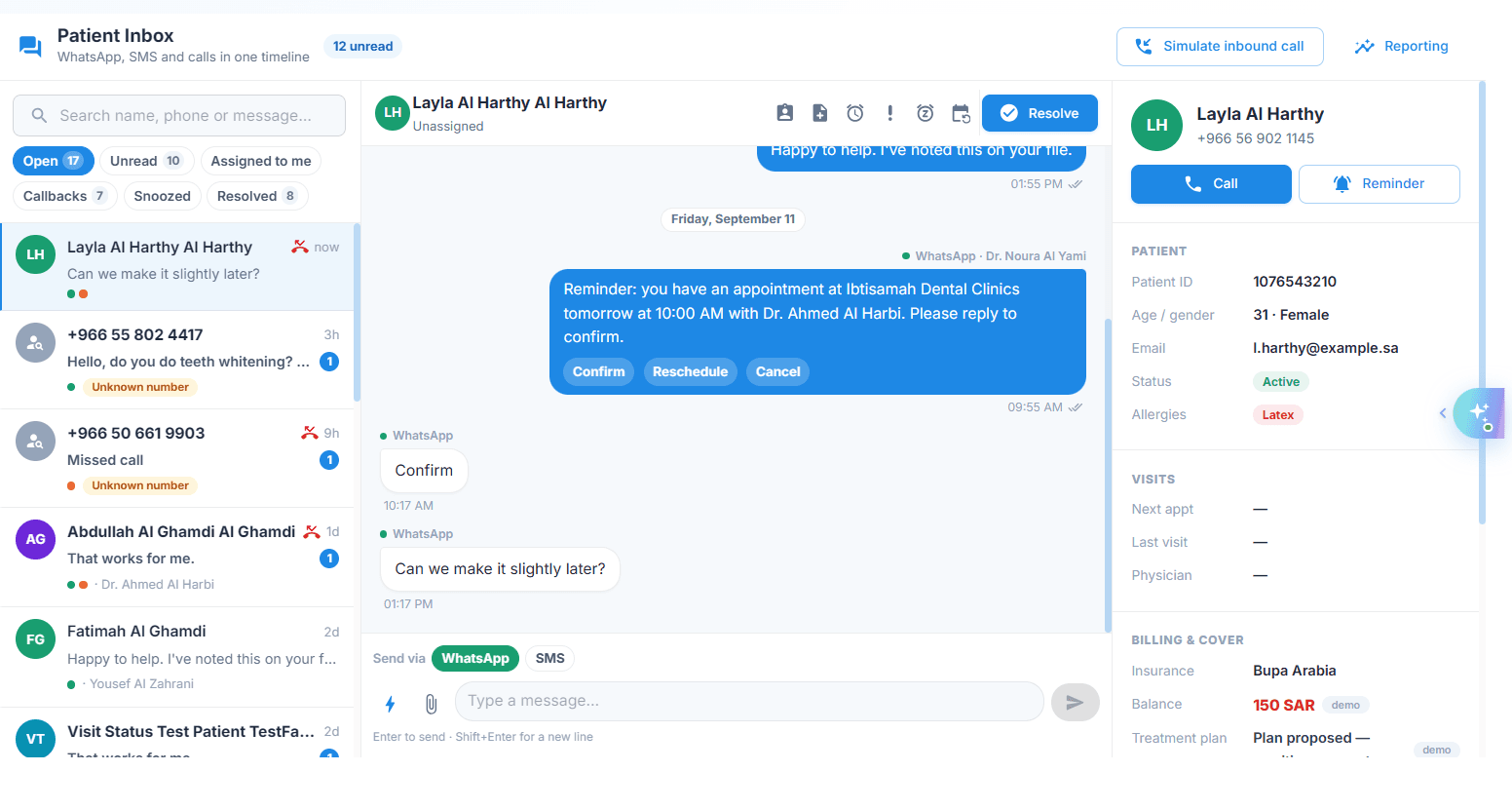
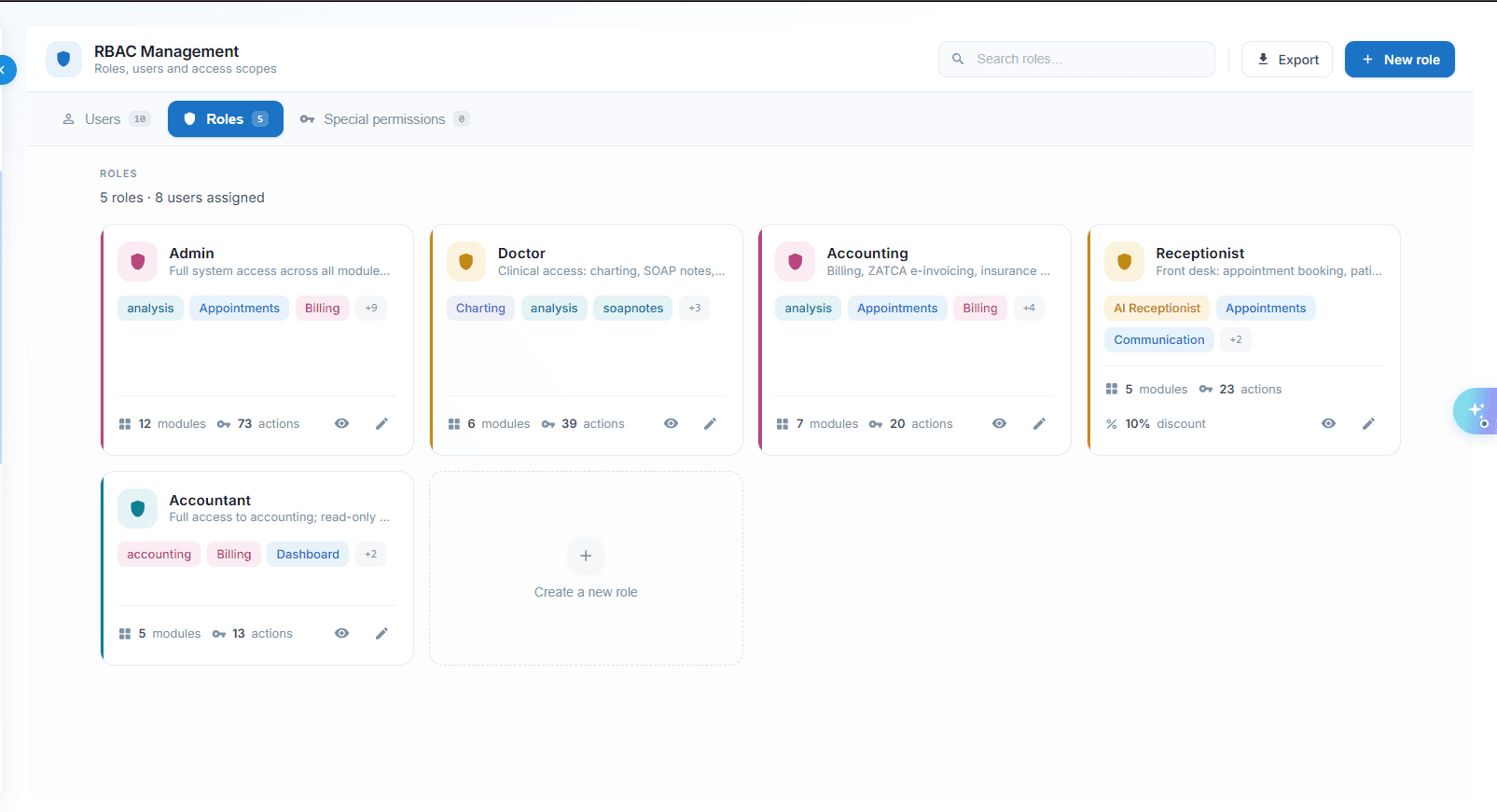
- AdministratorManager, Doctor and Receptionist ready-made.
- Custom roles beyond themRoles built around how the practice actually works, not a fixed list.
- PermissionsAcross eight areas of the practice.
- View, create, edit, delete, approve and export at eachSix permissions per module, so access is granted at the action, not the screen.
- Individual exceptions without changing the roleOne person can be granted or denied something without rewriting the role.
- Staff activated and deactivated in one placeJoiners and leavers handled from a single staff register.
Configure once, applied everywhere
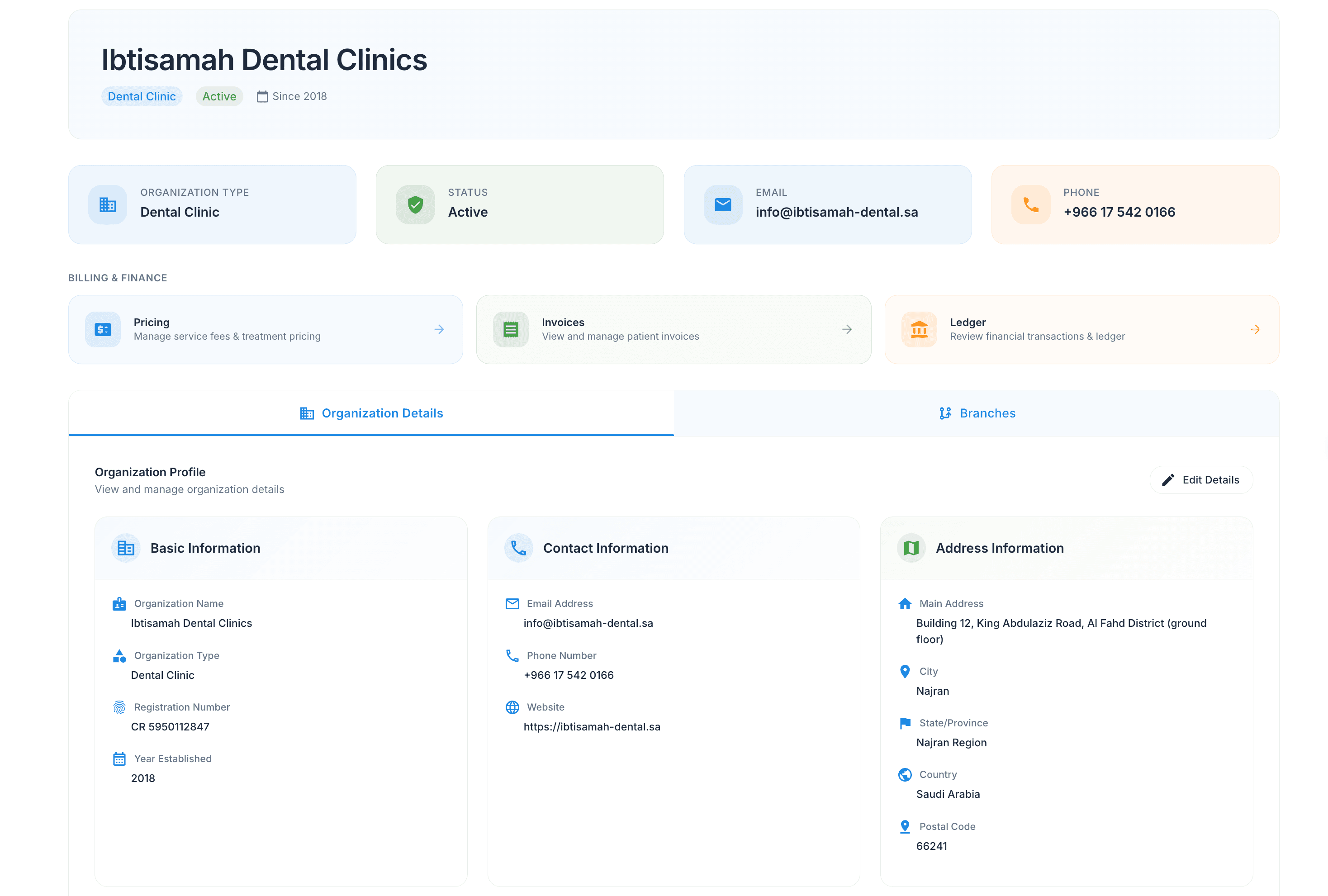
- Organisation profileWith logo.
- Branches managed under one organisationMultiple sites, one patient list, one set of rules.
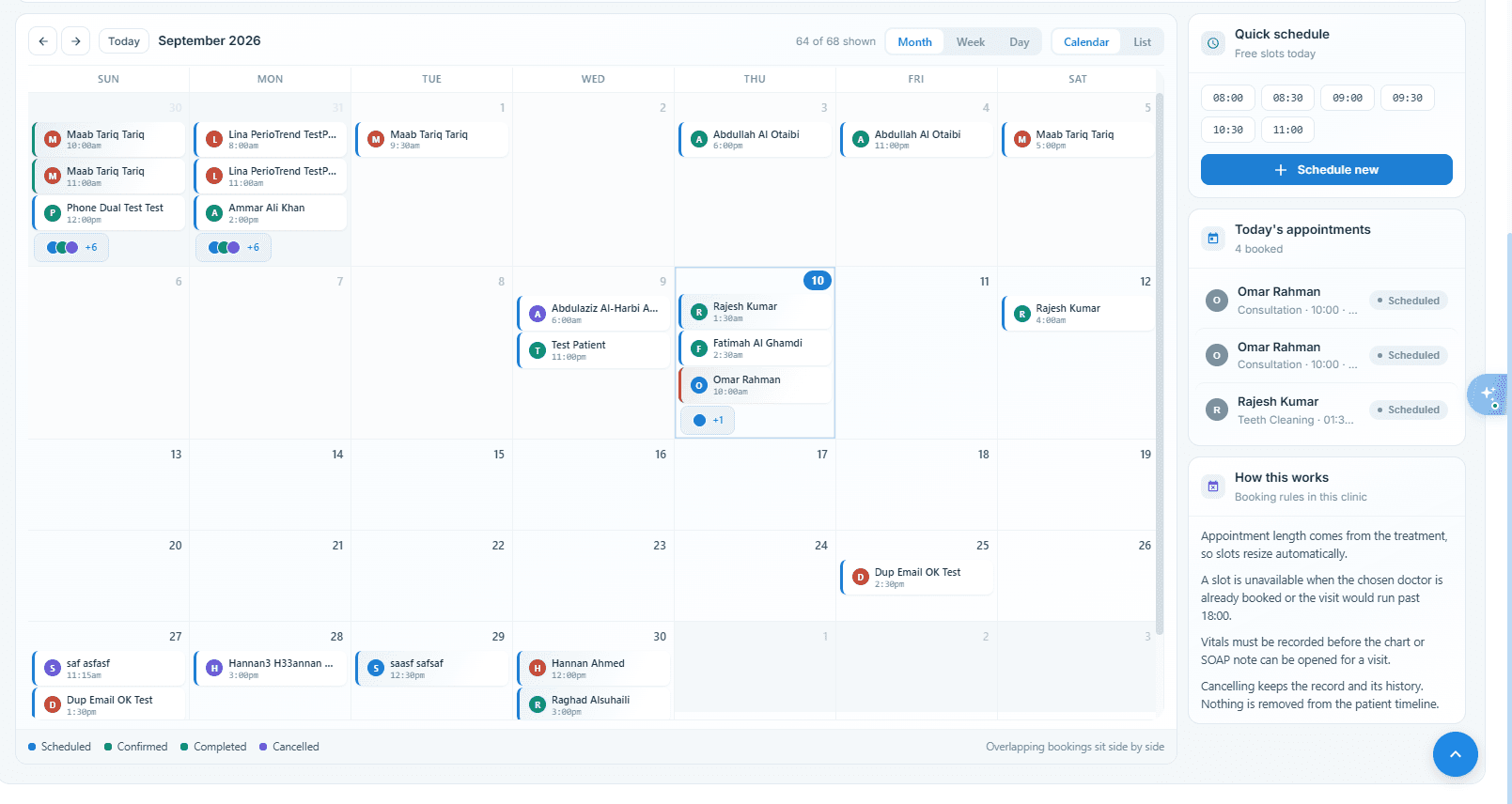
- Clinic-wide booking windowWith slot length.
- Blocked time for hours a provider does not workSessions a clinician does not work are held out of the bookable diary.
- Chair or room recordedAgainst every appointment.
The practice runs the parts it needs
- Patient, Appointment and Reporting always onThe core the practice cannot run without is always available.
- Scribe, Charting, Communication and Billing optionalThe rest is switched on when the practice is ready for it.
- Switched on as the practice adopts themAdoption happens at the practice's pace, module by module.
- Added or removed after setup without reconfigurationTurning something on or off later needs no reimplementation.
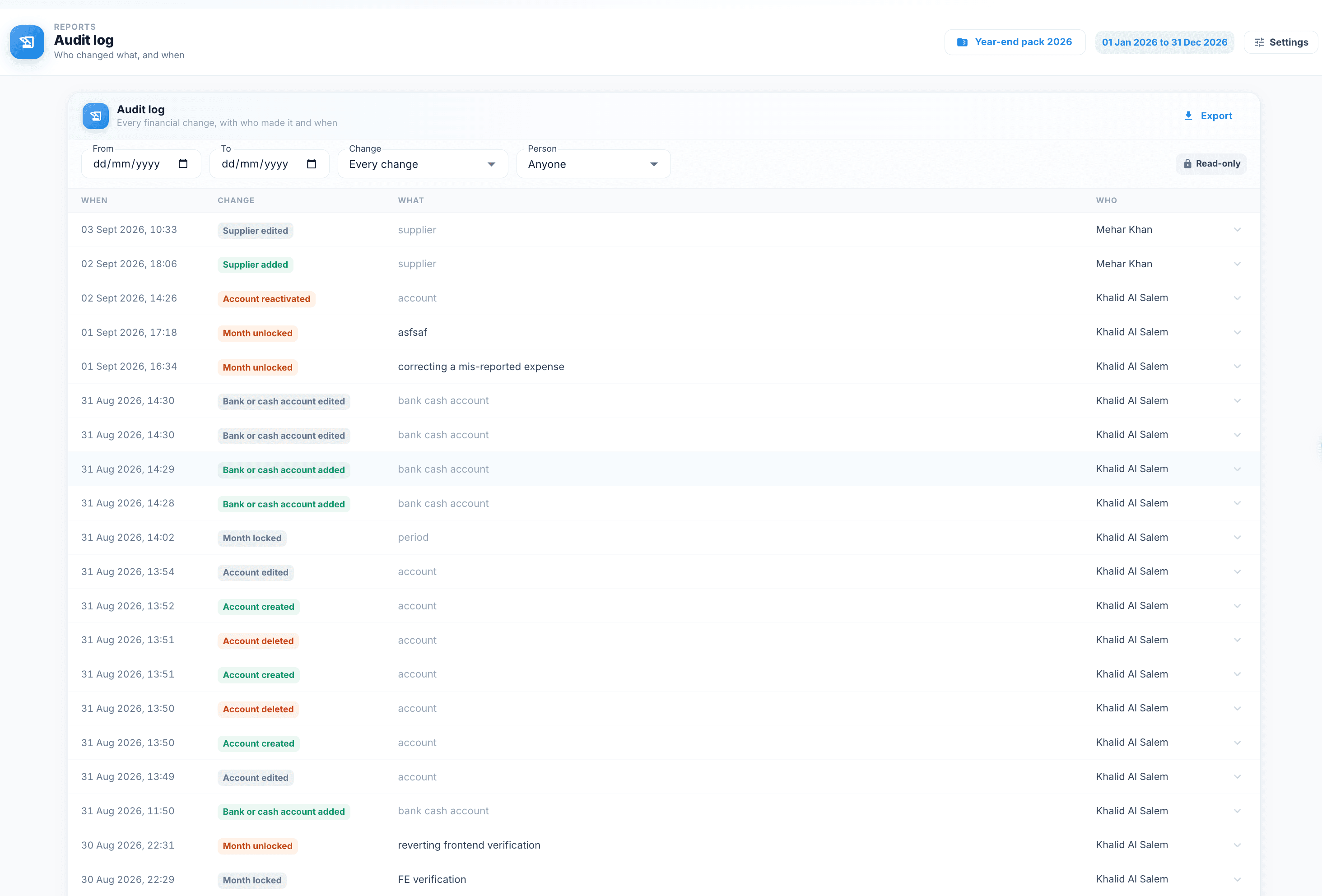
Nothing changes quietly
- An organisation-level log of every changeWho changed what, when, and from where — kept for every record.
- Entries appendedNever edited or deleted.
The team's own layer
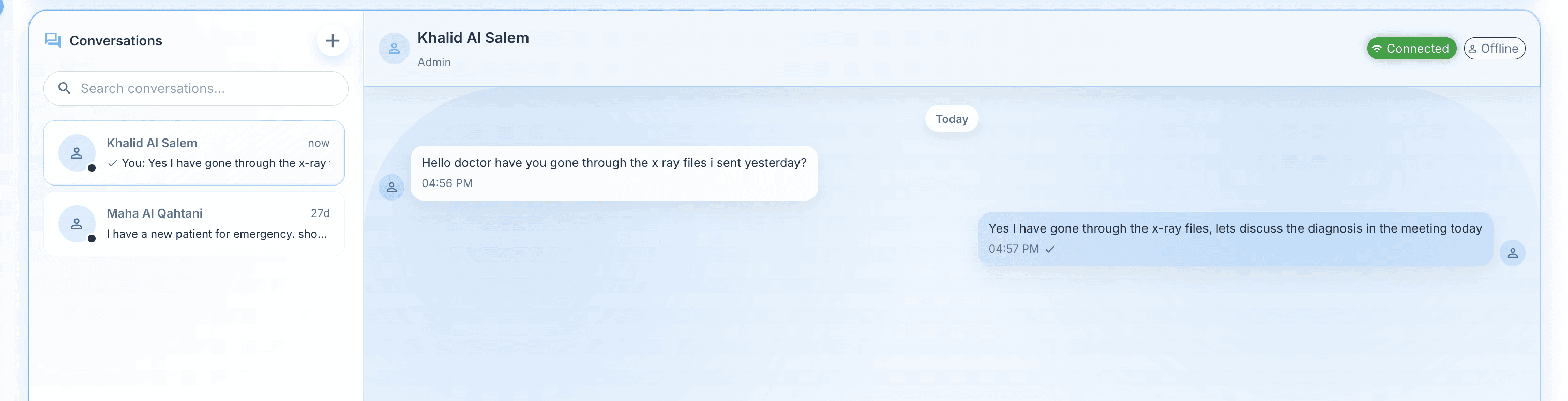
- Staff chat with history and attachmentsInternal conversation stays inside the system, beside the patient it concerns.
- Presence showing who is onlineThe team can see who is available before asking.
- Read receiptsA message is either delivered and read, or it is visible as neither.
- Notification centreWith live delivery and unread counts.
See what an AI-operated practice looks like
The full workflow from the first call to the closing entry.
Book a demo→